
Oct 14th 2025
How to Program Your BaoFeng Radio
Complete Step-by-Step Guide
Learning how to program your BaoFeng radio is one of the most valuable skills for anyone using these versatile handheld transceivers. Whether you rely on it for emergency preparedness, outdoor adventures, wartime communications, or amateur radio operations, programming your BaoFeng correctly ensures you can communicate clearly, efficiently, and legally.
In this guide, our team at Defense Distributors is going to walk through both manual and computer-based programming methods, share expert tips, and recommend essential gear.
Why Programming Your BaoFeng Matters
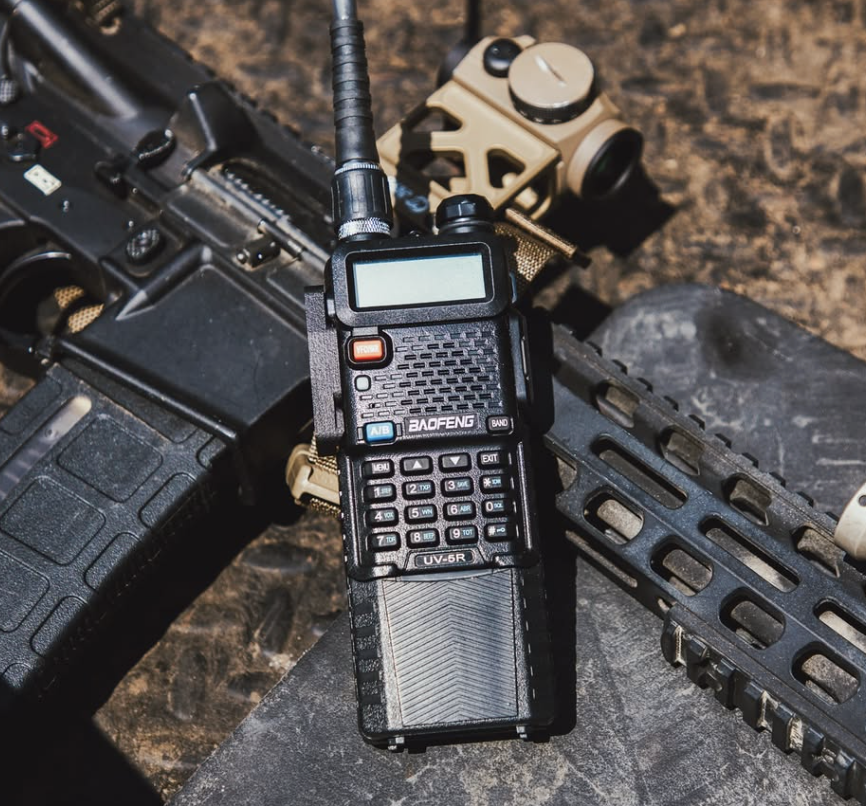
BaoFeng radios like the UV-5R, UV-82, and BF-F8HP are popular for their affordability and functionality, but out of the box, they need to be programmed to your desired frequencies; whether you are looking to be a survivalist, prepper, or you are in a life and death situation. Proper programming allows you to:
- Access local repeaters and emergency channels
- Customize transmit power, tones, and names
- Ensure compliance with local radio regulations
- Create a personalized communication network for your group or team
A well-programmed BaoFeng is more than just a radio—it’s a lifeline when normal communication fails.
What You’ll Need
Before programming your BaoFeng, make sure you have:
- Your BaoFeng radio (e.g., UV-5R, UV-82, BF-F8HP)
- BaoFeng Programming Cable (available from Defense Distributors)
- CHIRP Software (free to download at chirp.danplanet.com)
- Your local frequency list (for GMRS, HAM, or emergency channels)
Recommended Accessory: BaoFeng Programming Cable from Defense Distributors
BaoFeng Programming Cable
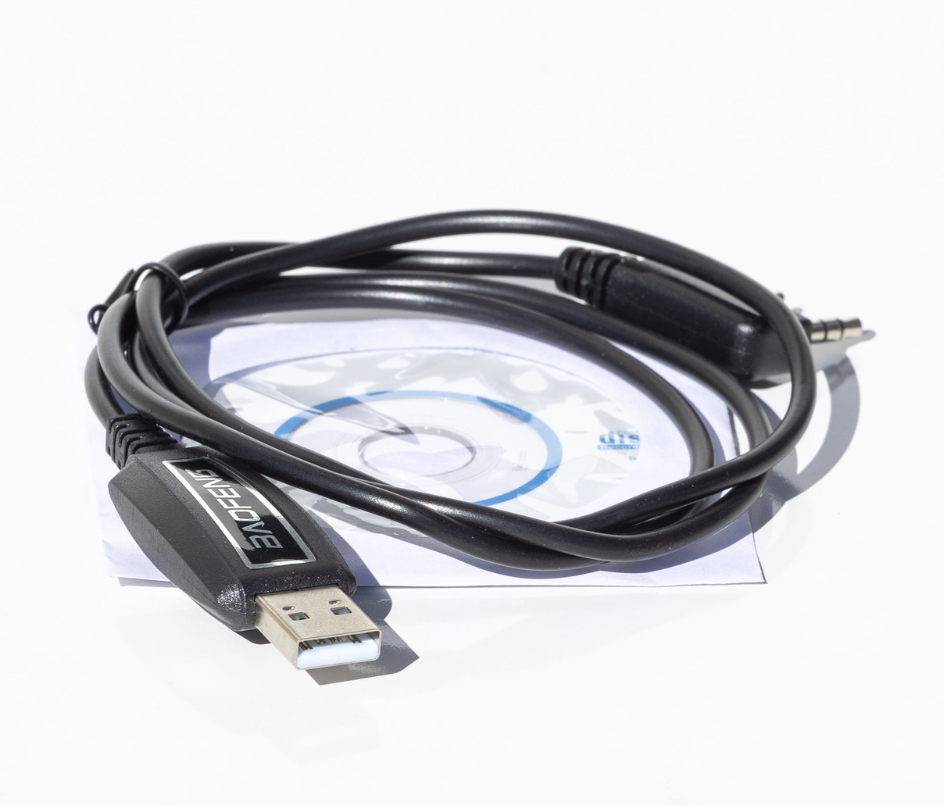
This programming cable is designed for the BaoFeng UV-5R and other BaoFeng radios with the same connection, available at Defense Distributors. It allows you to easily program your radio by connecting it to your computer. The cable comes with a disk containing the necessary drivers for seamless installation.
Key Features:
- Compatibility: Works with BaoFeng UV-5R and other BaoFeng models.
- Programming Made Easy: Allows you to program your radio quickly using a computer.
- Included Drivers: Comes with a disk for easy driver setup.
This cable is a must-have for anyone who wants to customize or update their BaoFeng radio efficiently. When paired with CHIRP software, it turns your laptop into a powerful radio management tool.
Option 1: Manual Programming (No Computer Needed)
If you’re out in the field or don’t have access to a computer, you can still program your BaoFeng manually:
- Switch to VFO Mode
Press the [VFO/MR] button until the display shows “Frequency Mode.” - Enter the Desired Receive Frequency
Type in the frequency you want to use (e.g., 462.550 MHz). - Set the Transmit Offset (for Repeaters)
Press MENU → 25 (OFFSET) and enter the offset value (e.g., 0.600). - Choose the Offset Direction
Go to MENU → 26 (SFT-D) and select “+” or “–”. - Add the CTCSS or DCS Tone
For access-controlled repeaters, set MENU → 13 (T-CTCS) or MENU → 11 (R-CTCS) and input the tone (e.g., 123.0 Hz). - Save the Channel
Press MENU → 27 (MEM-CH), select an empty channel slot, and press MENU again to confirm. - Name Your Channel (Optional)
Use MENU → 21 (MDF-A) to label the channel for easy reference. - Repeat these steps for each frequency you wish to save.
Option 2: Programming with CHIRP Software
Using the BaoFeng Programming Cable and CHIRP software is the fastest and most accurate way to set up your radio.
- Download and Install CHIRP
Go to chirp.danplanet.com and install the software for your operating system. - Connect Your BaoFeng
Plug in the BaoFeng Programming Cable from Defense Distributors, connect it to your computer and radio, and power on the device. - Download from Radio
In CHIRP, go to Radio → Download From Radio and select the correct COM port, manufacturer (BaoFeng), and model. - Edit Your Channels
Enter your preferred frequencies, tones, names, and transmit power. You can even import channel lists or NOAA weather frequencies. - Upload to Radio
When you’re done, go to Radio → Upload To Radio to send the configuration back to your BaoFeng.
CHIRP also lets you save your setup as a backup, so you can easily restore or modify it later.
Baofeng Programming Tips
- Stay Legal: Check local laws before transmitting—some frequencies require a license.
- Label Everything: Use channel names to identify repeaters or team channels quickly.
- Test Your Channels: After uploading, test each channel to ensure it transmits and receives correctly.
- Backup Files: Always save a backup of your CHIRP configuration for future updates.
Common Channels to Program
- HAM (Amateur): 144–148 MHz (VHF) and 420–450 MHz (UHF)
- GMRS/FRS: 462–467 MHz (license may apply)
- NOAA Weather: Receive-only channels for weather updates
- Local Repeaters: Found via repeater databases or local ham clubs
Final Thoughts
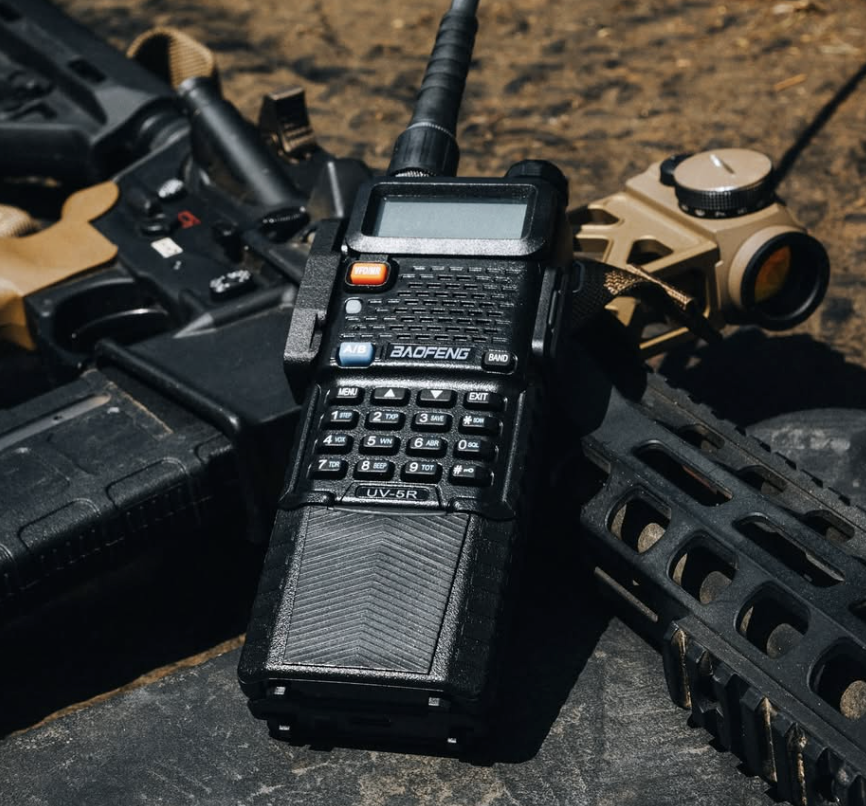
Programming your BaoFeng radio is easier than it looks—and once set up, it becomes one of the most reliable communication tools you’ll own. Whether you’re preparing for emergencies, staying connected outdoors, or exploring amateur radio, knowing how to program your device ensures you’re always ready to communicate.
For reliable radio gear and accessories, including the BaoFeng Programming Cable, visit Defense Distributors—your trusted source for professional-grade communication solutions.